STORAGE YOU CAN EXPLAIN
Photos and files are a quota decision. Backups are a restore decision.
Google Photos, Drive, Dropbox, Immich and Nextcloud all keep a working copy near you. A backup is a copy that does not disappear when that working copy is deleted, encrypted or burned. Most "I lost everything" stories are a sync product doing what sync is for.
Reviewed 30 October 2026. Prices below are only the figures the vendor pages actually showed. How we handle unchecked regional prices.

Photos: Google Photos and Immich
A Google Account includes up to 15 GB, shared by Photos, Gmail and Drive. That line is on the Google One plan page. Video from a modern phone eats it. The same page, fetched with an en-GB address on 30 October 2026, displayed a Basic 100 GB plan at US$1.99 a month. The dollar sign means this was not a confirmed UK price. Check the page while signed in before you budget.
Immich is the self-hosted library covered in the Immich guide. The project asks for at least 6 GB of RAM, prefers 8 GB, and wants the Postgres database on a local SSD. Generated previews add about 10 to 20 percent on top of the originals. Immich is not automatically safer. It is safer only if a second copy exists. A single disk running Immich is one point of failure with a nicer interface.
Files: Drive, Dropbox and Nextcloud
Drive shares the same 15 GB pot as Photos and Gmail. Dropbox's Plus help page describes Plus as 2 TB of space, with file recovery features. The deleted-file article, updated 25 September 2026, gives Basic, Plus and Family 30 days to restore deletions. Professional and several business plans get 180 days. Advanced, Business Plus, Enterprise and Education get 365 days. Rewind, for putting a whole folder back, is listed for Plus and above, not for Basic. A UK pound price for Plus was not on those help pages.
Nextcloud, in the Nextcloud guide, stores files on disks you attach. The quota is whatever you leave free, including versions and the bin. The server manual recommends 512 MB of RAM per PHP process, which is not a whole-PC specification. Someone still has to update PHP. A managed Nextcloud host sits between those poles: you do not own the disks, and you do not use a Google account either. Read the contract for export and restore, not the marketing line about sovereignty.
A comparison you can use in a shop
| Option | Best at | You still have to add |
|---|---|---|
| Google Photos and Drive | One account, phone upload, a shared 15 GB start | A quota you accept, and an export that is not the only copy |
| Dropbox Plus | Sync, with 30 days of deletion history and Rewind on Plus | Anything you might need after that window, stored outside Dropbox |
| Immich | A photo library on your disks, with mobile upload | Database backups and a second copy of the originals |
| Nextcloud | File sync on storage you size yourself | PHP updates, a real database, and an independent backup |
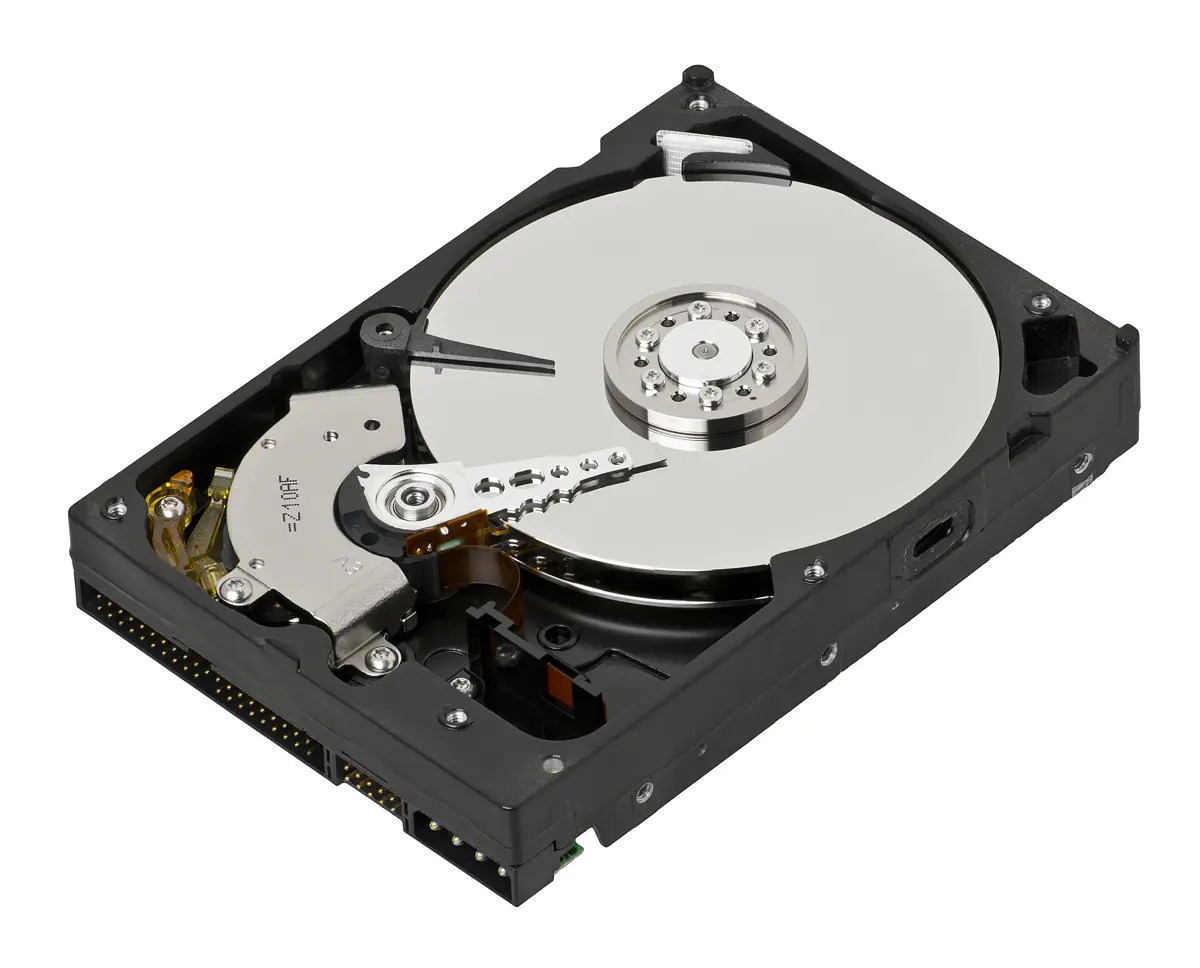
| A disk in a drawer | A fast local restore, no subscription | An off-site copy, or the drawer is the same fire as the server |
Three picks
Stay managed
Choose Google or Dropbox when the working set fits a plan you will keep paying, and you will copy anything irreplaceable somewhere that account cannot delete. This is the right pick for people who will not open a terminal after a disk failure.
Self-host the live copy, buy the off-site backup
Choose Immich or Nextcloud for the files you open every week, and send an encrypted backup to a second location. You get a large working disk without pretending the house is a data centre. The backup storage calculator is for the size of that second copy, including growth.
Self-host both, only with two sites
Choose this when you already have a reliable machine and a second building, or a disk you actually rotate to somewhere else. Two disks on the same shelf are one incident. Write the rotation on a calendar. A backup that lives in the same room for eleven months is a local copy with a story.
A deletion that syncs, on purpose
You keep a tax PDF in a folder that syncs to a laptop, a desktop and a server. On the laptop you delete it, because you think the desktop still has it. The sync client deletes it everywhere. That is success for sync. Dropbox Plus can still restore it for 30 days, from Deleted files, and Rewind can roll a folder back inside that history. On day 31 the window in the help article has closed. Nextcloud's bin and versions last as long as you configured, on the same server. They are a convenience, not a second site.
Ransomware and a bad save behave the same way. The damaged file is the newest file, so it syncs. History is the only way back, and only if the history is longer than the time it takes you to notice. A weekly backup that keeps eight older copies gives you eight weeks. A sync folder with no history gives you the damaged file, quickly, on every device.
Try it with a harmless file before you trust the setup. Put restore-test.txt in the synced folder, wait until it appears on a second device, delete it, and restore it from the bin or from the backup disk. Time the restore. If you cannot explain the steps without the original machine, you do not have a backup yet.
Local disk, cloud backup, or both
A local disk restores quickly. A USB or a NAS in the house can return hundreds of gigabytes in an evening. It dies in the same theft, fire or flood as the server, and a disk that stays mounted can be encrypted by the same malware. Unplug it, or keep it offline between backup jobs.
A cloud backup, or any copy in another postcode, survives the house. It is limited by upload speed. Take 500 GB and a line that uploads at 20 Mbps. 500 GB is 4,000 gigabits. Divided by 20 megabits per second, that is 200,000 seconds, which is 55 hours and 33 minutes, before retries. The first seed of a photo library is an overnight project only if the library is small or the upload is faster. The 20 Mbps figure is an example line, not a measurement of your connection. Read the modem. The photo calculator and the backup calculator will resize the sum.
The useful pattern is both. Local disk for the afternoon you delete a folder. Off-site copy for the week the house is the problem. Immich's own backup page calls this a 3-2-1 layout: three copies, two kinds of storage, one elsewhere. The same shape fits Nextcloud and a plain folder of scans.
Encryption belongs on the off-site copy if the destination is a general cloud drive. Otherwise you have moved the files to someone else's disk in the clear. Test that you can decrypt without the original server. A password that exists only in a password manager on the server you just lost is a locked backup. See the password manager guide before you store that passphrase in only one place.
A household example
Two phones, a laptop, and about 500 GB of photos plus 200 GB of documents. Google's included 15 GB is not the working set. A paid quota might still be the right live copy if you will not maintain a server. If you self-host, Immich's 10 to 20 percent preview overhead puts the photo working set around 550 to 600 GB, and Nextcloud wants spare room for versions on the 200 GB. Call the live disks 900 GB to be able to work, then a second 700 GB of originals off site, because previews can be rebuilt and documents cannot. Round up when you buy disks. Full disks fail backups in silence.
Electricity and a replacement disk belong in the comparison. A managed plan is a subscription you can see. A home server is a subscription you forget, until the drive is eight years old. Run the electricity calculator with a plug-in meter reading, not a guess from a review.
Questions that stop a bad migration
Should I turn off Google the day Immich works?
No. Import, check a sample of albums, back up Immich, restore that backup once, then cancel. The overlap costs one more month of storage and saves the library if the import count was wrong.
Is RAID a backup?
No. A mirror helps when one disk fails and the other is healthy. It copies deletions and corruption too. Read why RAID is not a backup before you buy a second bay and call the job finished.
Do I need both Immich and Nextcloud?
Only if photos and general files are different jobs in the house. One server can run both. One backup plan has to cover both. Starting with a single app is how you find out whether you will actually maintain it.
What is the smallest off-site copy?
The files you cannot recreate. Home videos and scans of identity documents come before films you can download again. A 500 GB library does not all have the same value. The first off-site disk can be the irreplaceable slice.
Verdict
Keep Google or Dropbox for the working copy if a quota and a 30-day history are enough, and still park one independent copy of anything you would hate to lose. Move the working copy to Immich or Nextcloud when the quota or the account is the problem, and pay for that move with backups and updates. Use a local disk for fast restore and another site for the disaster. Sync will not do either job for you.
Sources checked 30 October 2026: Google One plans, Dropbox Plus, Dropbox recovery periods, Immich requirements, and Nextcloud requirements.